
Machine Shop Website Speed: A Practical Plan for Faster Buyer Pages
KriXis editorial guide · About 12 minutes to read
Machine shop website speed matters when an engineer is checking a capability, a sourcing buyer is opening a case study, or an estimator is trying to understand an inquiry. A page can look polished on the owner’s office connection and still feel slow, unresponsive or unstable on a phone.
The useful goal is a buyer route that loads, responds and stays usable. That includes the capability information, navigation, contact options and RFQ handoff. A higher test score is helpful evidence only when the actual experience and essential functions also work.
This guide shows how to choose representative pages, separate real-user evidence from diagnostic tests, prioritize a small change and verify the result. It does not assume your site has a particular performance problem or promise a ranking or lead increase.

Start with the buyer task, not the home-page score
List the pages a serious buyer uses before contacting the shop. Include the home page, a high-priority capability page, an industry page, one image-heavy article and the RFQ or contact route. If the shop has downloadable documents, include the page that introduces them.
Write the task beside each URL: identify a process, check work fit, inspect approved evidence, find a contact or start an inquiry. A fast home page cannot represent a slow gallery template or an RFQ page that freezes after a file is selected.
Use your machine shop website navigation plan to identify the actual route between these pages. Check it on a phone and with a keyboard. Note the device, browser, connection and whether you were signed in. Logged-in administrator behavior may differ from a public visit.
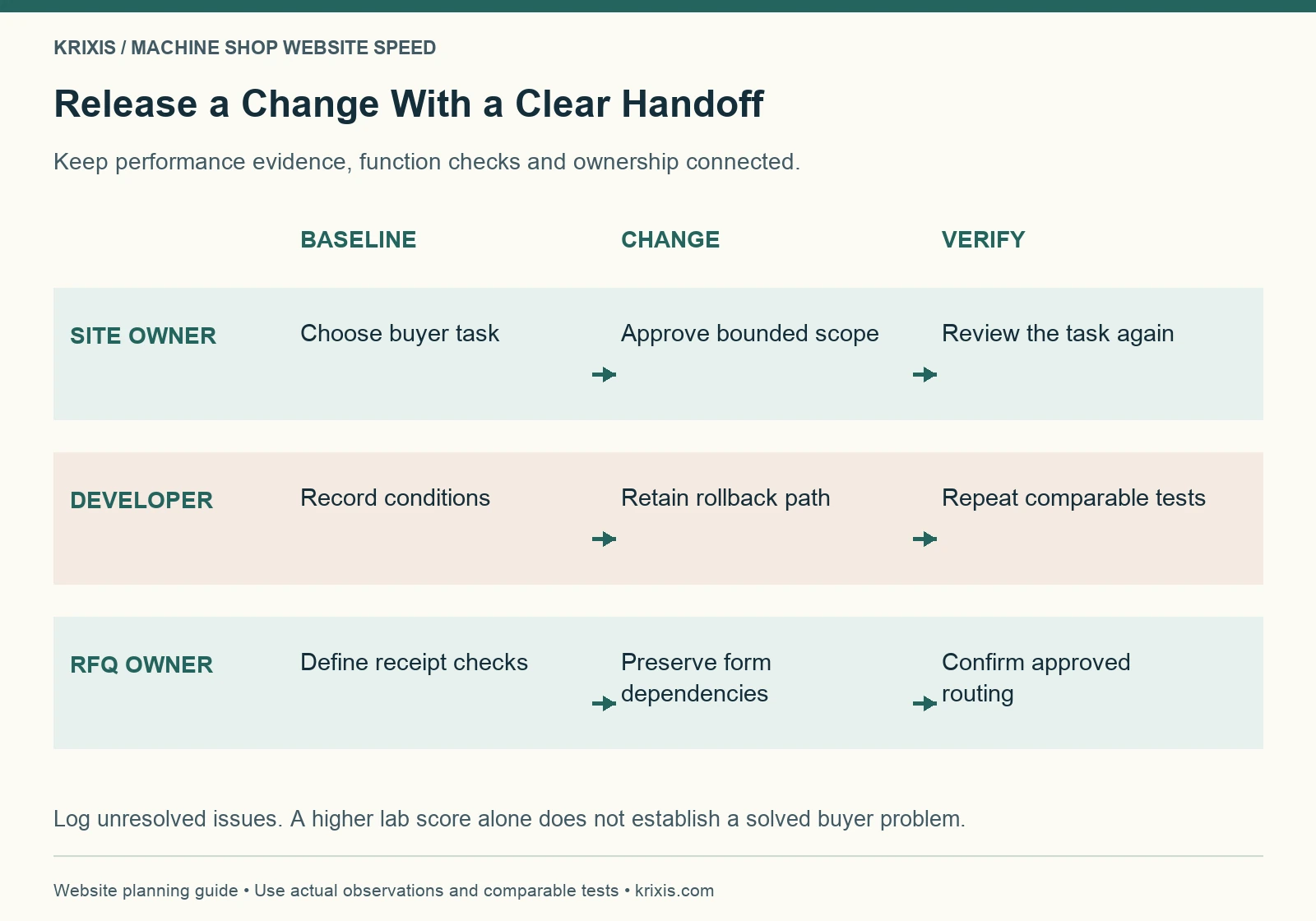
Assign one person to keep the baseline and one to approve changes. Ask the estimator what must continue working. This turns “make the website faster” into a defined task with an owner, a few representative URLs and clear acceptance checks.
Understand the three Core Web Vitals
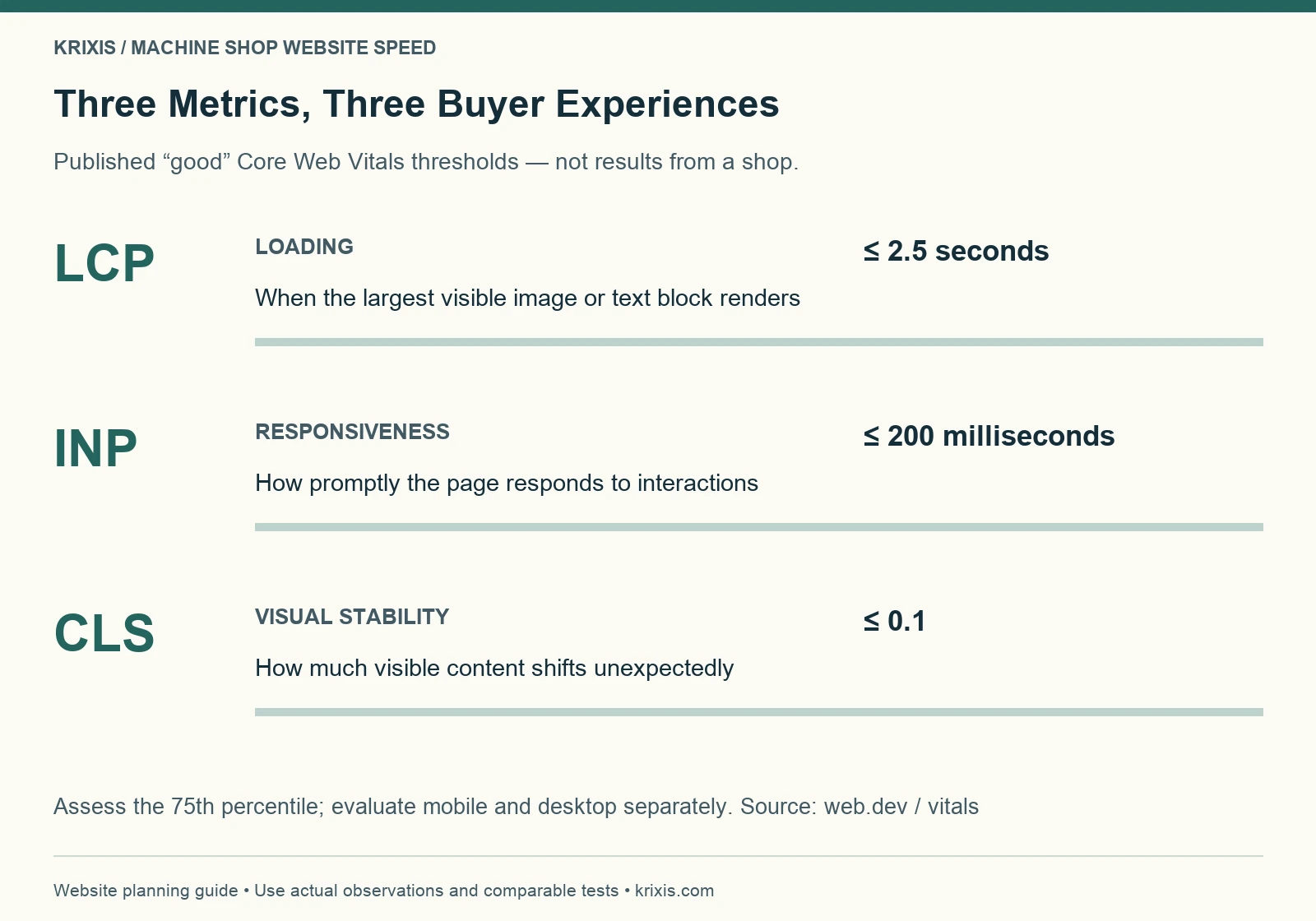
Google’s Core Web Vitals guidance identifies three aspects of experience: loading, responsiveness and visual stability. They help describe a problem; they do not replace evaluating the page’s usefulness.
Largest Contentful Paint, or LCP, measures when the largest visible image or text block renders. Interaction to Next Paint, or INP, measures responsiveness across qualifying interactions. Cumulative Layout Shift, or CLS, measures unexpected movement of visible content.
The published “good” thresholds are LCP at 2.5 seconds or less, INP at 200 milliseconds or less, and CLS at 0.1 or less. Assessment uses the 75th percentile, with mobile and desktop evaluated separately. These are Google’s metric thresholds, not KriXis client results or a prediction of RFQ volume. See the Web Vitals definitions for their measurement context.
Translate each metric into a task. Does the capability photo appear late? Does the menu hesitate? Does a button move while the buyer tries to use it? This language makes the problem easier to reproduce and discuss with a developer.
Keep field data separate from lab diagnostics
PageSpeed Insights can show both real-user field data and a controlled Lighthouse test. Record which section you are reading. A single lab run is not a measurement of every visitor’s experience.
The field section uses a rolling collection period. When a page lacks sufficient data, the report may show origin-level data or no real-user data. Check whether the values describe the exact URL or the wider origin. “No data” does not mean a page is fast, broken or penalized.
Use lab diagnostics to investigate causes under stated conditions. Keep the same URL, device mode and test approach when comparing a change. Run a small repeatable set rather than selecting the best-looking result. Save the report date, conditions and screenshots so another person can interpret the comparison.
Avoid mixing a mobile before-test with a desktop after-test, or a cached repeat visit with a first visit without saying so. Separate measured observations from assumptions. The worksheet should say “menu delay reproduced on this device,” not “buyers are leaving,” unless you have evidence for that different claim.
Find the bottleneck before choosing a tool

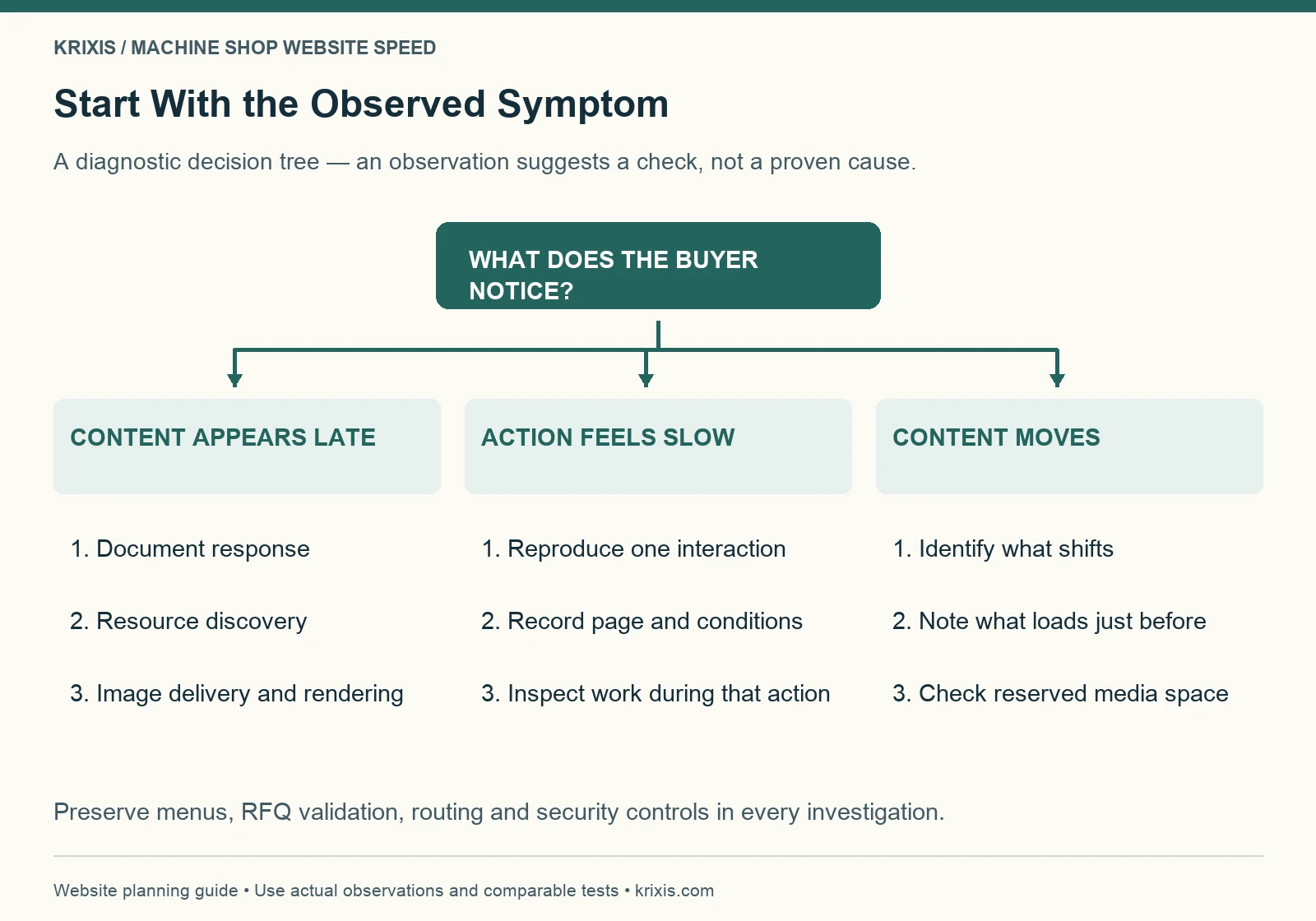
Start with the symptom and the affected template. A late main image, delayed server response, busy interaction and shifting page can require different investigations. Installing another optimization plugin before identifying the cause can make the setup harder to understand.
For a loading problem, ask when the document arrives, when the important resource is discovered and when it can render. Google’s LCP optimization guide explains why the full loading path matters. Compressing an image will not address every delay that occurs before or after its transfer.
For a slow interaction, reproduce the specific action: opening the mobile menu, expanding a capability section or submitting an invalid RFQ field. Record whether the delay occurs immediately, after a widget loads or only on a particular page. Give the developer an observable sequence, not a vague request to improve JavaScript.
For visual movement, note which element moves and what appears just before it. An image without reserved space, a font change or a late embed may be worth investigating. The observation guides the next check; it is not proof that one component caused the entire issue.
Deliver useful images at an appropriate size
Machine shop websites need visual evidence. Removing every photograph to reduce page weight can make a capability page less useful. Start by deciding what each image helps the buyer understand, then deliver that image efficiently.
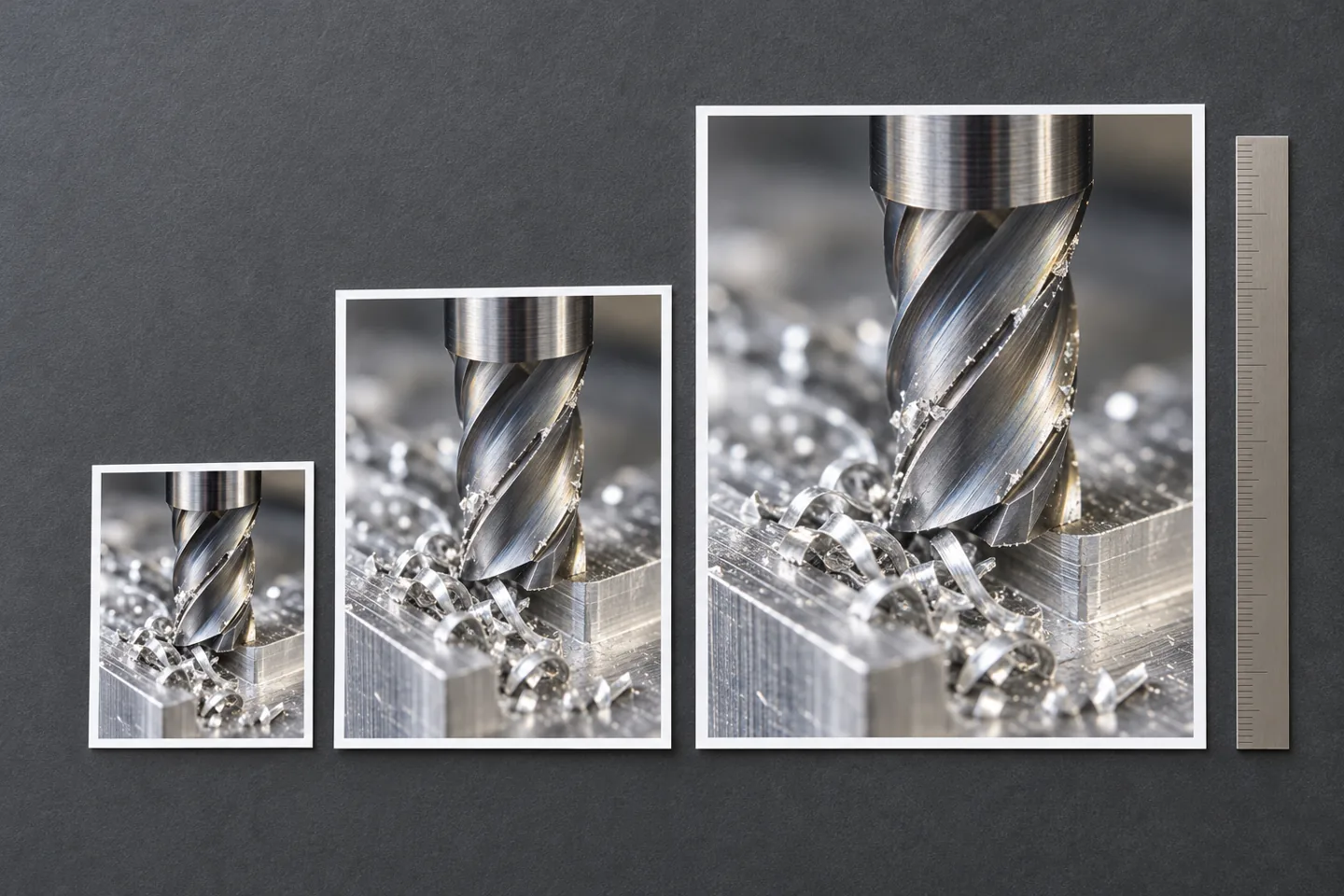
Keep a high-quality source separately from the publishing file. Export a sensible display size and compare the optimized result at the dimensions buyers will actually see. Check surface details, small text and diagram labels before approving compression. Do not use a tiny blurred thumbnail to represent an inspection record or a detailed process image.
WordPress supports responsive image markup through srcset and sizes. Themes and custom layouts still need checking: the presence of several files in the media library does not prove that a page selects an appropriate one. Ask the developer to inspect the delivered asset on mobile and desktop.
Identify the actual LCP element before changing loading priorities. Avoid lazy-loading an important above-the-fold image simply because other article images are lazy-loaded. Reserve image dimensions so the browser can allocate space. For a long gallery, prioritize the first useful view and load later media appropriately.
Use the machine shop website photography guide to decide which visuals deserve space. Clear evidence and efficient delivery should support each other.
Review scripts and embeds by the work they perform
Inventory the components that load on the affected page: analytics, chat, maps, video players, sliders, form tools and theme features. Record the owner, purpose and pages where each is needed. Ask whether a full embed must load immediately or whether a useful preview and deliberate interaction would serve the task.
Change scope carefully. A form dependency might also control validation or routing. An analytics dependency may record the event you need to compare. Delaying or removing a script without checking its role can produce a cleaner test report and an incomplete business workflow.
Do not disable security checks or CAPTCHA to improve a speed score. If a required component is expensive, investigate its implementation and loading behavior with the responsible provider. Preserve the protection while finding an appropriate delivery approach.
Prefer one documented adjustment at a time when practical. If several components must change together, record the bundle and its reason. Retain a recoverable version and define what would trigger a rollback. A named owner should be able to explain both the intended benefit and the functions at risk.
Keep the RFQ route stable and responsive
A performance change is incomplete until the inquiry route works. Follow the same path a buyer would take from a capability page into the request process. Test on a phone, with the menu open, after validation errors and at the point where a visitor chooses an approved file-sharing method.
Verify labels, focus visibility, error messages and the submit state. Controls should remain understandable while work is in progress. Prevent ambiguous repeated submissions and explain what happens next. Do not treat a visible thank-you message as evidence that the estimator received the inquiry.
Use non-confidential test information and your approved test procedure. Check receipt and routing with the responsible person, then verify the fallback contact. Keep restricted drawings, personal records and customer information out of public speed tools and screenshots.
Our machine shop RFQ form design guide covers the handoff in more detail. The speed review adds regression checks around that established process; it does not replace them.

Give the developer a bounded change request
A useful brief names the URL, template, buyer task, reproduced symptom, report conditions and proposed investigation. Include the current evidence and what remains unknown. Keep the request small enough to verify independently of a wider redesign.
Fictional teaching example: an aluminum turning capability page has a delayed main image in repeated mobile lab tests. The team asks the developer to inspect resource discovery, file delivery and rendering. The release must preserve the image’s useful detail, the mobile menu, the capability links and the RFQ handoff. No before-and-after times or lead gains are assumed.
The example is a work plan, not proof that images cause every slow page. Your result may point to server response, template code or a third-party dependency. If a redesign is necessary, use a separate website migration checklist to preserve URLs and search signals.
Agree on access, scope, timing and any fees before implementation. A public-page review can identify questions and priorities; it does not authorize theme changes, hosting moves or changes to a production form.
Read this graphic as text
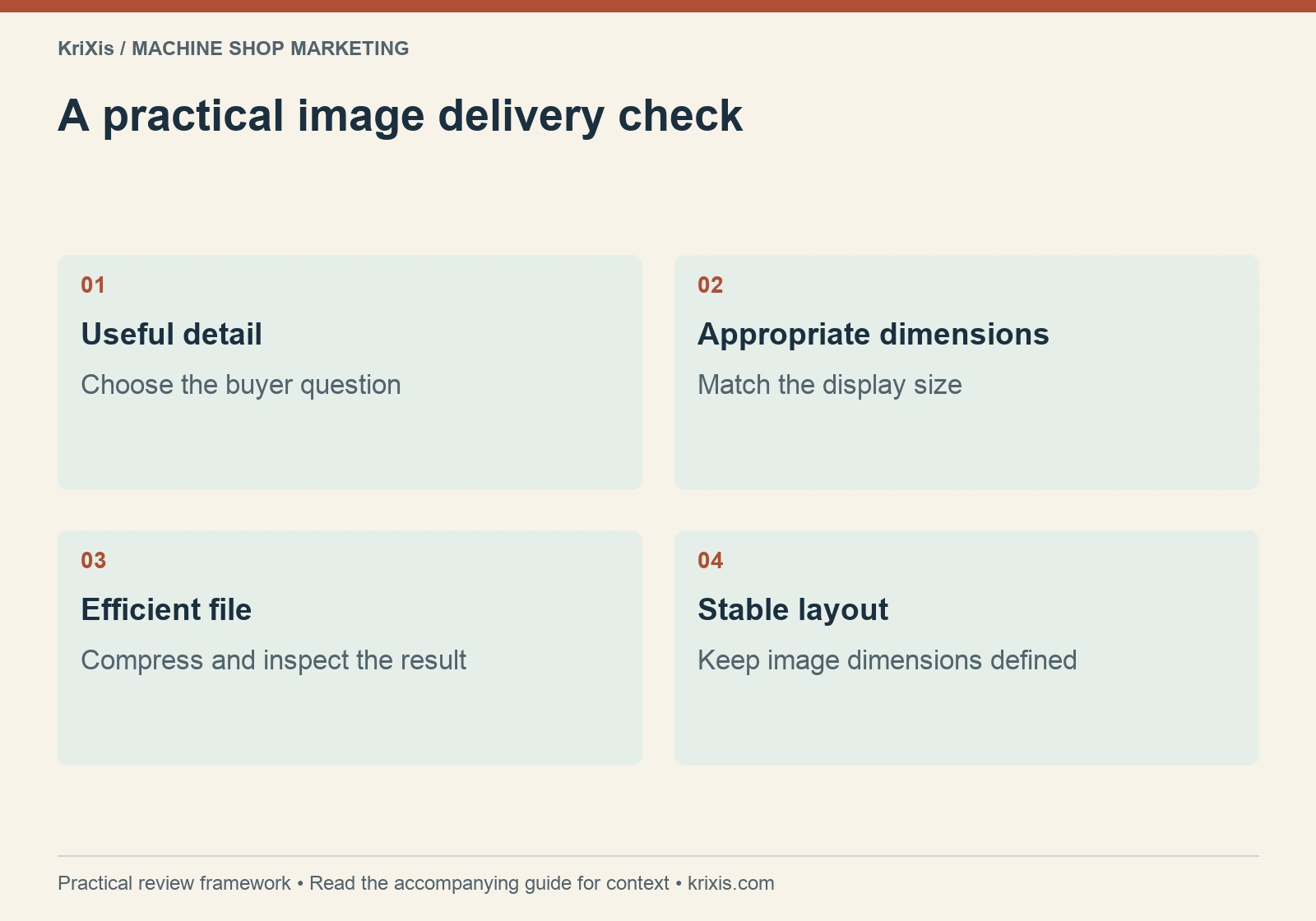
- Useful detail: Choose the buyer question
- Appropriate dimensions: Match the display size
- Efficient file: Compress and inspect the result
- Stable layout: Keep image dimensions defined
Set a maintenance budget around the template
A performance budget is an agreed limit or check for future changes, not a universal number copied from another business. Start with the baseline and the purpose of the template. Decide what would trigger review when someone adds an image, a video, a font or another site feature.
For a capability template, the team might require an optimized display image, reserved media space and a repeated mobile test before publishing a gallery. For an RFQ template, the release gate may include validation, visible progress, receipt and routing checks whenever form code changes. Record these rules beside the owner who can approve an exception.
Keep the publishing workflow practical. Ask the content editor to retain the original photo, upload a suitable publishing version and check the rendered page. Ask the developer to explain shared dependencies so an editor does not unknowingly load an expensive component across every page.
Revisit the budget when the design or buyer task changes. A detailed technical diagram may justify a full-size download while the page uses a readable preview. A necessary validation feature may justify additional processing. The useful decision balances delivery, clarity and function rather than treating every additional byte as a failure.
Verify the release before calling it an improvement
Repeat the baseline tasks under comparable conditions. Check the same representative URLs and the templates they share. Inspect the main image, typography, menus, anchor links, downloads and contact options, as well as the diagnostic measurements.
Look for regressions that a home-page screenshot misses: an image source that fails on mobile, an accordion that needs a delayed dependency, a shifted submit button or a download hidden behind a broken overlay. Confirm keyboard access and readable layouts at narrow widths.
Recheck the technical elements that a template edit could affect: title, canonical, robots directives, headings, internal links and structured data. A performance change should not accidentally remove a meaningful page section or replace a self canonical with the wrong address.
Record what changed, when it shipped and who checked it. If the intended symptom persists, keep that result visible. A smaller file or a higher lab score alone does not prove that the original buyer problem was solved. Define the next investigation or rollback from the evidence.
Monitor experience without promising a ranking lift
Core Web Vitals and page experience are relevant to search, but Google explains that good metrics do not guarantee top rankings. A fast page still needs relevant information, credible claims and a usable route to the next action. See Google’s page-experience guidance.
Keep speed evidence alongside the inquiry and qualification records in your machine shop marketing measurement process. Compare periods carefully and note other changes, seasonality and open sales cycles. Do not attribute an isolated new quote to a speed adjustment without supporting evidence.
Review important templates after publishing new galleries, replacing a hero, adding an embed or changing the form. Assign an owner and a review date so performance remains part of routine content maintenance.

The next useful step is modest: choose a buyer task, capture a baseline, investigate one plausible constraint and verify the whole route after the change. That produces a clearer decision than chasing a perfect score while the page’s purpose gets lost.


Trackbacks & Pingbacks
[…] changing form scripts, images or embeds, use the machine shop website speed and release checklist to compare the experience while preserving validation, receipt and routing […]
[…] a broader performance check after publishing new photography, use our machine shop website speed guide to review image delivery, page stability and the RFQ […]
Leave a Reply
Want to join the discussion?Feel free to contribute!