
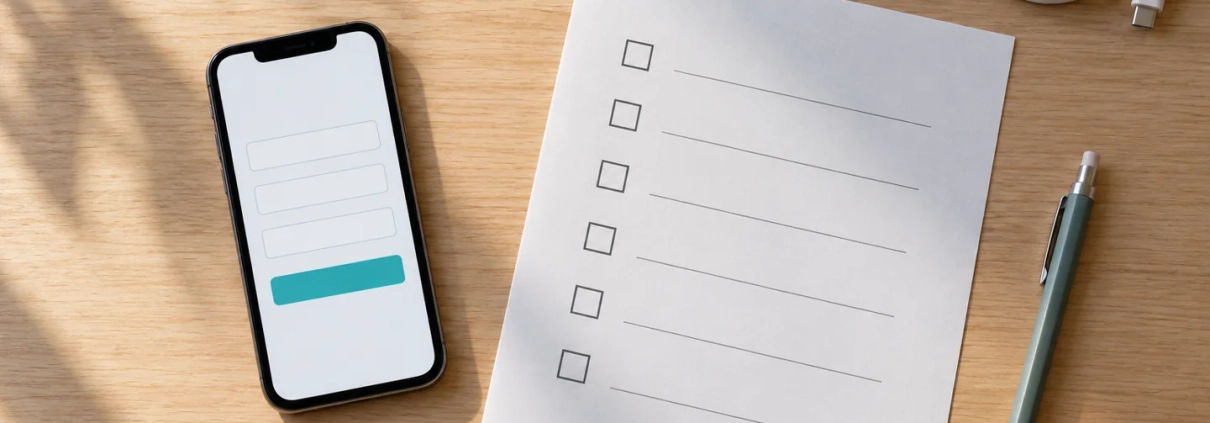
Machine Shop RFQ Form Review
Help buyers start a useful machining inquiry and help your estimator understand what happens next. Request a KriXis review discussion for the public route from a capability page to an RFQ form, its drawing-sharing instructions and its confirmation message.

Email KriXis about your RFQ form
Prefer to copy the address? Email matthewborza@krixis.com with the subject Machine Shop RFQ Form Review. The button opens your email app with a short brief. Review the message before sending. If your device has no configured email app, use the visible address in your usual email service.
What a review discussion can cover
Page purpose and field choices
We can discuss the buyer action your page should start, the information needed for an initial response and the questions that belong later in your process. The aim is a field plan that reflects your estimating workflow, including how a buyer can say a specification is not decided yet.
Labels, instructions and feedback
The public review can examine visible field labels, required-field wording, helper text, drawing instructions and error or receipt messages. It can identify unclear promises, ambiguous timing questions and places where visitors have to guess what to do. Implementation checks for accessibility need to be scoped with the people responsible for your site.
The route into your team
Describe who owns new requests, the backup arrangement and where status is recorded. We can help map application receipt, notification and estimator assignment as separate stages. Any delivery test must be authorized, use non-confidential information and be observed at the intended destination before it is reported as successful.
Send a brief that starts the right conversation
Include these details in your initial message:
- Your public website URL and the RFQ or contact-page URL.
- The machining service or buyer request this path should support.
- The current difficulty, such as missing context, unclear file instructions or unanswered requests.
- A non-confidential description of the existing drawing-sharing route and inquiry owner.
- Your desired timing, name, business and preferred contact details.
Do not attach customer drawings, passwords, restricted specifications or private inquiry records to the initial message. Public URLs and a non-confidential summary are enough to discuss a suitable next step. If technical access or sensitive information becomes relevant, agree on an appropriate process first.
What happens after you inquire
The message starts a discussion about fit, scope, responsibilities and timing. Any fees and deliverables are clarified before work begins. A public page review does not establish upload security, contractual compliance or email delivery. Those checks require the appropriate implementation owner and agreed testing scope. No ranking, response-time or conversion result is guaranteed.
Prepare with a free resource
Download the RFQ form planning kit to inventory fields and draft messages before the discussion. Read the complete RFQ form design guide for the buyer-to-estimator workflow. If your request path needs broader work, explore machine shop website design and machine shop lead generation.