
Free KriXis website planning resource
Machine Shop Website Redesign Checklist & Planning Kit
Give every page decision and launch check an owner.
Plan a rebuild with a project brief, six editable URL mapping records, a launch checklist and a follow-up issue log. Use the worksheet with your website team before changing important capability pages or inquiry routes. No email signup required.
Download the free redesign planning kit
ZIP download with a self-contained HTML worksheet and instructions. Extract it, open the HTML file in your browser, and print or save to PDF before closing.
What the planning kit includes
- A project brief: define the problem, scope, timing and business, technical and inquiry owners.
- A baseline record: list inventory sources, priority pages, actual measurement periods and access gaps.
- Six URL mapping records: document the existing page, keep/move/merge/retire decision, destination, reason and verification result.
- Template and buyer journey prompts: check content, phone-sized layouts, downloads and contact paths.
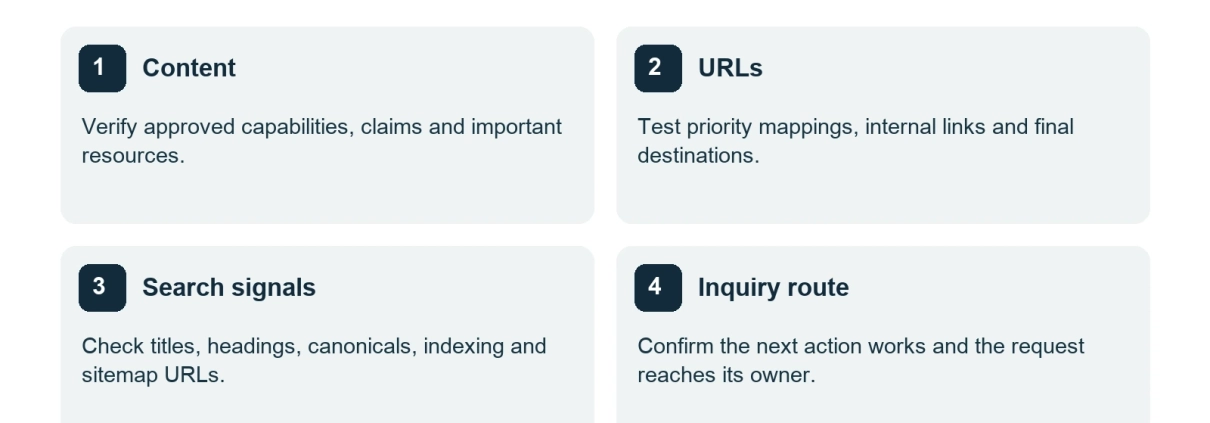
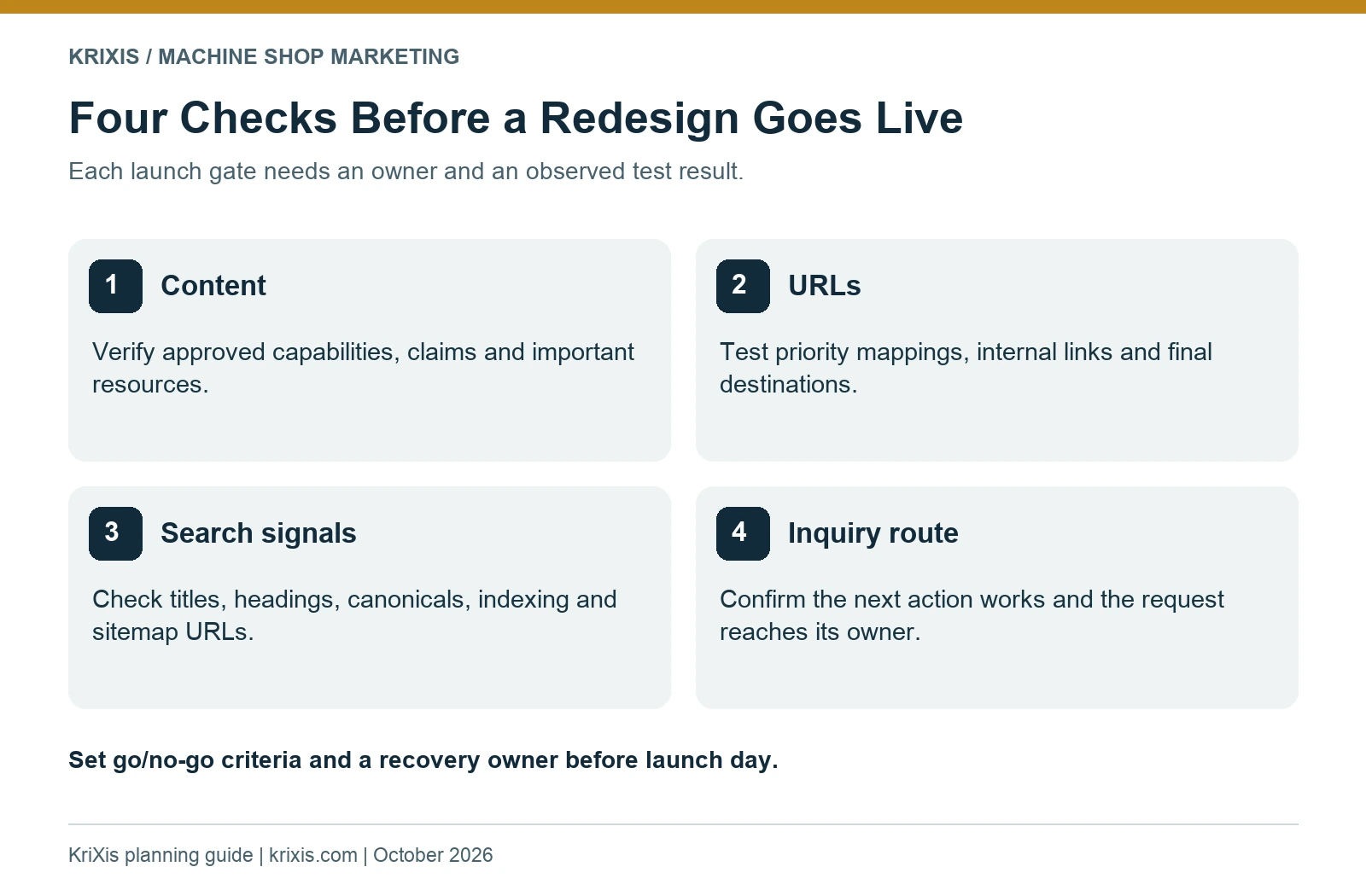
- Twelve launch checks: connect content, redirects, search signals, inquiry delivery and recovery responsibilities.
- A launch decision and issue log: record unresolved risks, owners, retests and the next review date.
Use it in a planning conversation
- Inventory before design approval. Add important URLs from the sitemap, navigation, campaigns and sales links.
- Agree on destinations. Review each proposed change with the developer and someone who understands your capabilities.
- Assign verification. Name the person who will test each launch gate and record the observed result.
- Save the completed worksheet. Print or save to PDF before closing. Copy additional URL records into your approved planning system if your inventory is larger.
Make a documented launch decision
A checklist helps organize responsibilities; it does not implement redirects, certify manufacturing claims or establish that an inquiry reached your quoting team. Check the live site and record evidence. Use a clear go/no-go decision for unresolved issues that affect important pages or buyer actions.
Read the complete website redesign and SEO migration guide for the fictional mapping example and explanations of the checks.
Common questions
Is additional software required?
No installation is needed. Extract the ZIP and open the HTML worksheet in a current browser.
Are our entries sent to KriXis?
No. The worksheet works locally without tracking, external scripts or uploads. Entries are not stored after you close it; save your work through print or save to PDF.
What if we have more than six URLs?
Use the included records to establish the decisions and fields, then extend the map in your team’s approved spreadsheet or planning system. Include priority downloads and campaign destinations.
Does the checklist guarantee SEO performance?
No. It helps prevent avoidable implementation problems. Search visibility and inquiry outcomes depend on the site, content, market and migration details.
Prepare the first six decisions
Start with the homepage, important capability pages, a useful resource and the primary inquiry route. Record what should stay, what must change and who will verify the result.
Download the free redesign planning kit
Created by KriXis · October 11, 2026 · Privacy policy